
See how it worksComing soon on the App Store
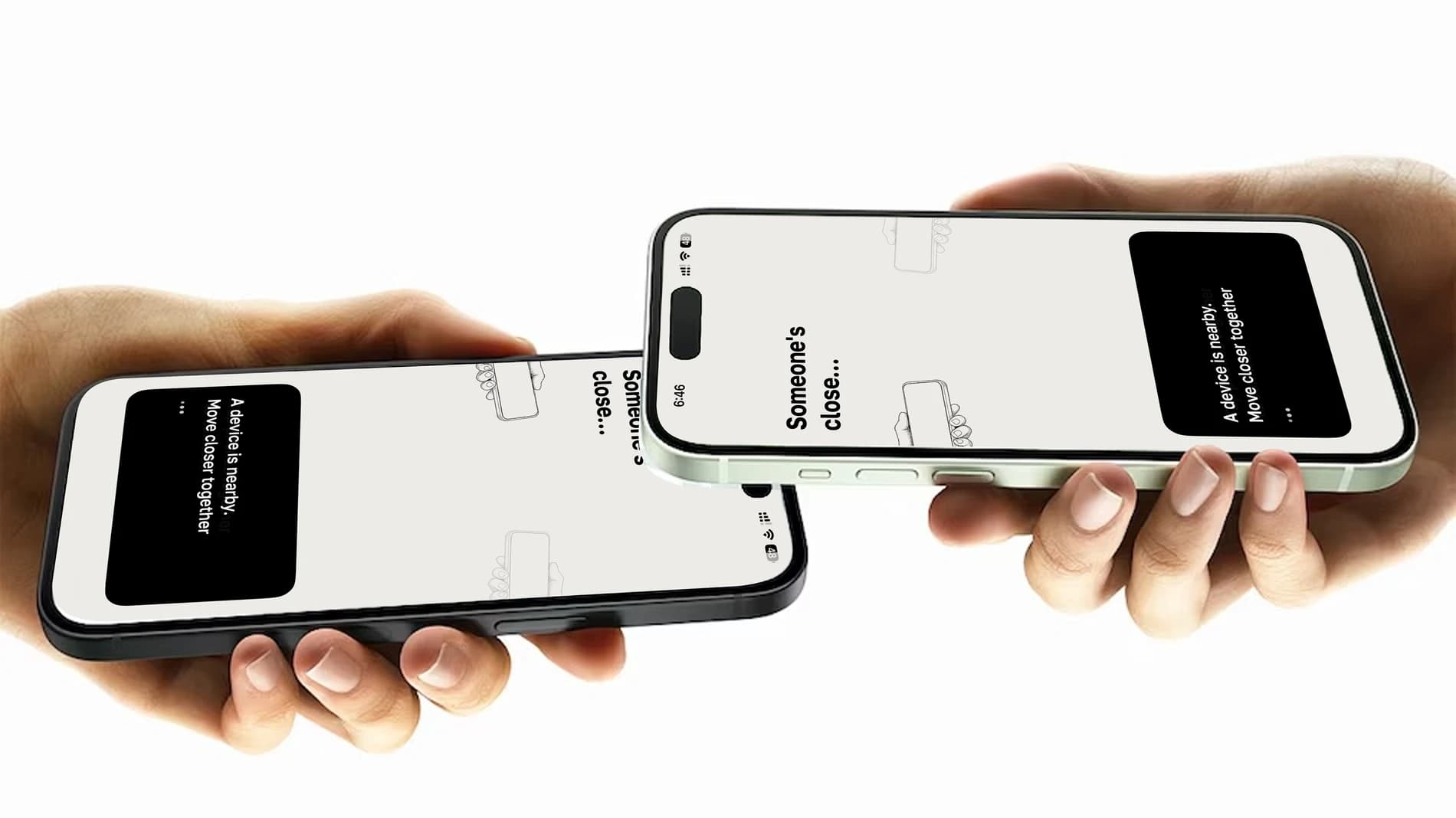
Loqi connects two nearby iPhones through Bluetooth headphones.
Ever tried catching up with a friend, but the city keeps getting in the way?

“Huh?”
“What did you say?”
You’re right beside each other, already mid-conversation. It shouldn’t be this hard to hear your friend.
That’s where
Loqi comes in.
Headphones on. Open Loqi on each iPhone and complete the name and permission setup. Then tap Start on both phones and bring them close.
View the setup guide

Join our waitlist
Leave your email and we’ll let you know when Loqi is out.
Coming soon on the App Store
A few things you’ll need.
- Two compatible iPhonesPrecise Nearby Interaction support.See supported devices
- Bluetooth headphonesA pair for each person. AirPods work; noise cancellation is optional.
- iOS 17 or laterUse the latest iOS available for your iPhone.Check iOS compatibility
Between your phones.
Call audio travels directly between your iPhones over an encrypted connection.
Read the privacy policy- No account to create.
- Choose a name and an optional avatar. Your name is shared with nearby Loqi peers during discovery.
- No cloud audio relay.
- Your conversation uses a local connection between the two phones.
- No saved conversations.
- Loqi streams audio in real time. It doesn’t save recordings or a call history.
Use two iPhones with Ultra Wideband and precise Nearby Interaction support, iOS 17 or later, and Bluetooth headphones on each phone. Active Noise Cancellation is optional.
See supported devices